We have released "Log in with LinkedIn" functionality across a number of our client job boards and recruitment agency websites. This is a first for the Australian & New Zealand recruitment industry that allows users to use their existing LinkedIn details to Register/Login with another site.
LinkedIn users already represent themselves with their real names and real identities. With the Log in with LinkedIn functionality, users can bring their real identity information with them to whatever site they visit on the web. T
 he process behind the LinkedIn authentication is quite similar to those who are familiar with Facebook Connect. By adding the Log in with LinkedIn functionality, we aim to
 - Increase user signups
- Create trusted user authentication
- Provides existing identity details
- Speeds up the Registration or Login process
- Allow users to refer content back to existing LinkedIn networks
The user will always have total control of the permissions granted and can revoke this permission through their LinkedIn account.
Contact us today to find out how you can integrate Log in with LinkedIn functionality into your website.
For example, a user wishes to register for an account on a job board. If the user has already registered, they can proceed to the Login panel, else proceed to the registration form and click on the "Log in with LinkedIn" button.
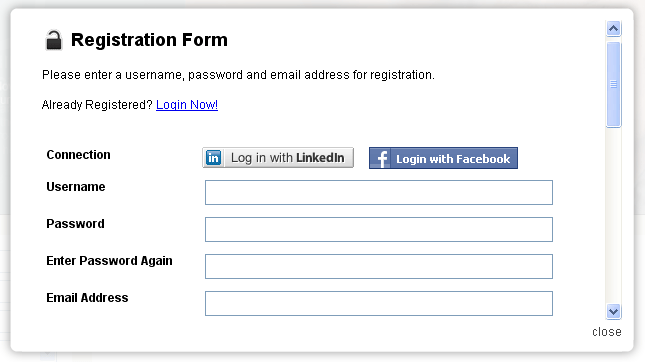
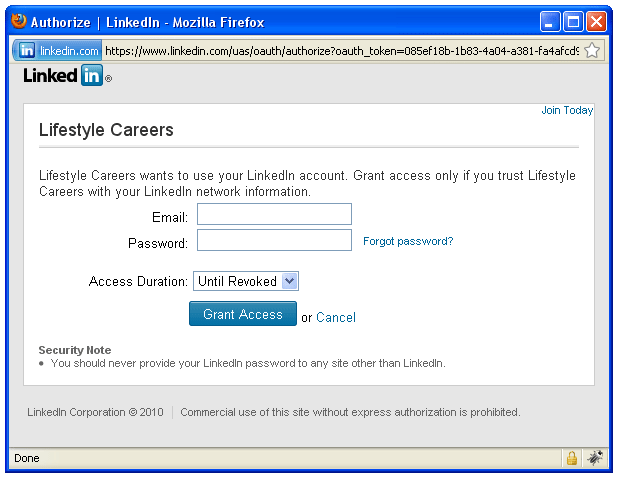
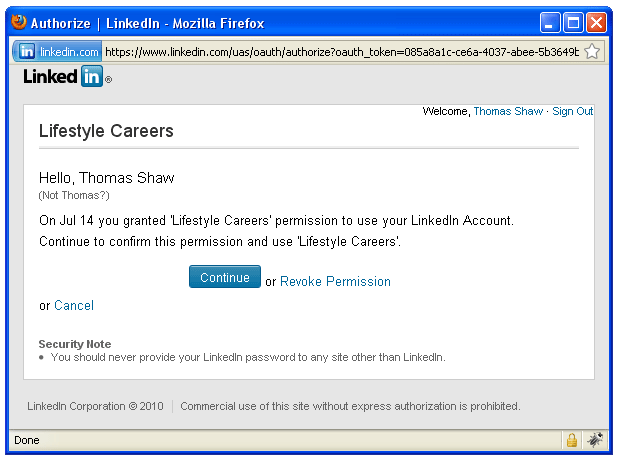
Once the user clicks on the "Log in with LinkedIn" button, a secure LinkedIn authorisation form opens in a new window. If the user is logged into LinkedIn already it will ask the user to grant access to the specific application. Otherwise, it will ask the user to login to their LinkedIn account.
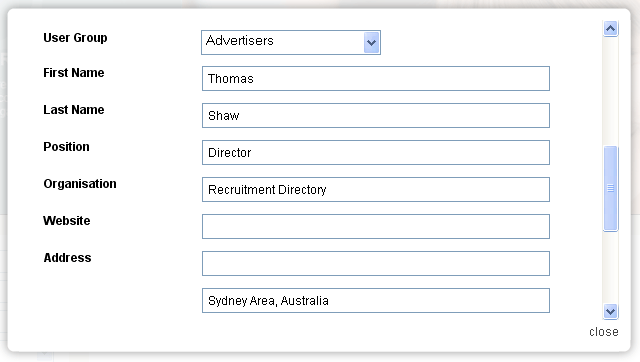
After the user grants access to the application, the LinkedIn window will close and grant access for the job board to connect to LinkedIn and access the following details - First Name, Last Name, Position Title, Organisation, Location. These details will be used to auto populate the job boards user registration form.
After the user has granted access for the job board to access their LinkedIn profile. You can proceed to the Login form.
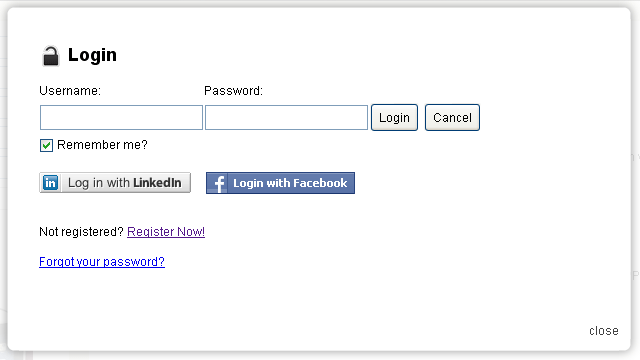
Users can either manually login with their username and password OR click on the "Log in with LinkedIn" button to automatically connect!
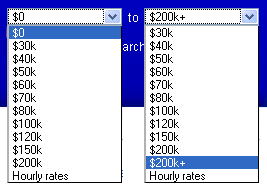
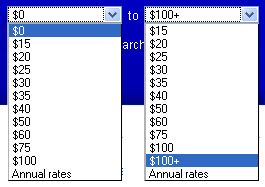
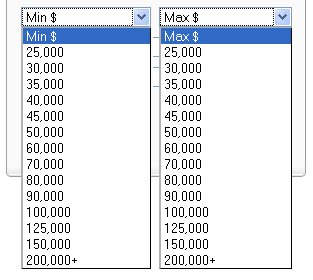
 By having predefined ranges, the user is restricted to an initial search within those brackets.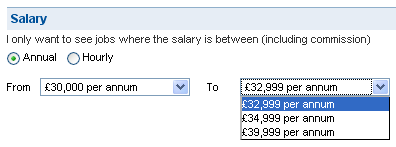
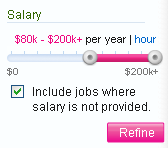


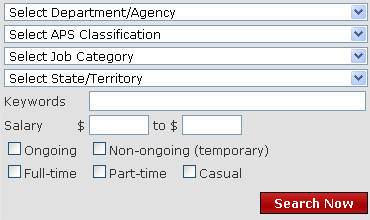 If we look at the job search form on
 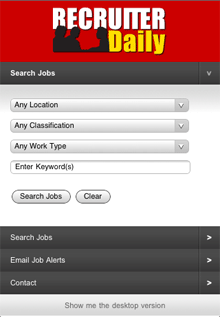 While I am more than happy to create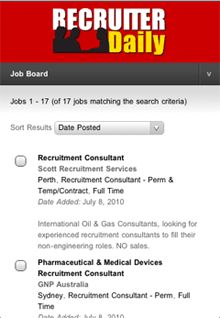

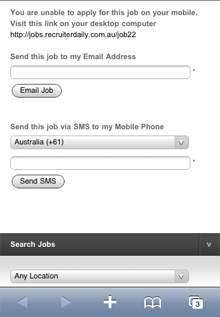



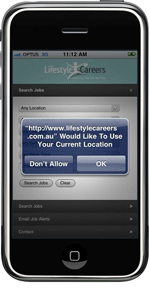 Working out users location is not new or revolutionary. We have all been doing this for years via IP address lookup services (although these are never 100% accurate). But now, we can get the user to opt-in and provide more accurate information.